Looks like this is my 3rd (and hopefully final) post on the topic of loading Digital Elevation Models / Topographic data into Forsk Atoll, because this time, we’ve got global data, which allows us to Digital Elevation Models, at 30m resolution, for anywhere on the planet.
The Copernicus DEM is a Digital Surface Model (DSM) which represents the surface of the Earth including buildings, infrastructure and vegetation. This DSM is derived from an edited DSM named WorldDEM, where flattening of water bodies and consistent flow of rivers has been included. In addition, editing of shore- and coastlines, special features such as airports, and implausible terrain structures has also been applied.
The WorldDEM product is based on the radar satellite data acquired during the TanDEM-X Mission, which is funded by a Public Private Partnership between the German State, represented by the German Aerospace Centre (DLR) and Airbus Defence and Space. OpenTopography is providing access to the global GLO-30 Defence Gridded Elevation Data (DGED) 2023_1 version of the data hosted by ESA via the PRISM service. Details on the Copernicus DSM can be found on this ESA site.
This is a tool for a job, 30m resolution is not crazy high – LIDAR scans achieve sub 1m accuracy, but aren’t available everywhere, where as the COP30 dataset is global, meaning we can do RF design for anywhere on the planet.
So how do we get this into Atoll to do RF modeling?
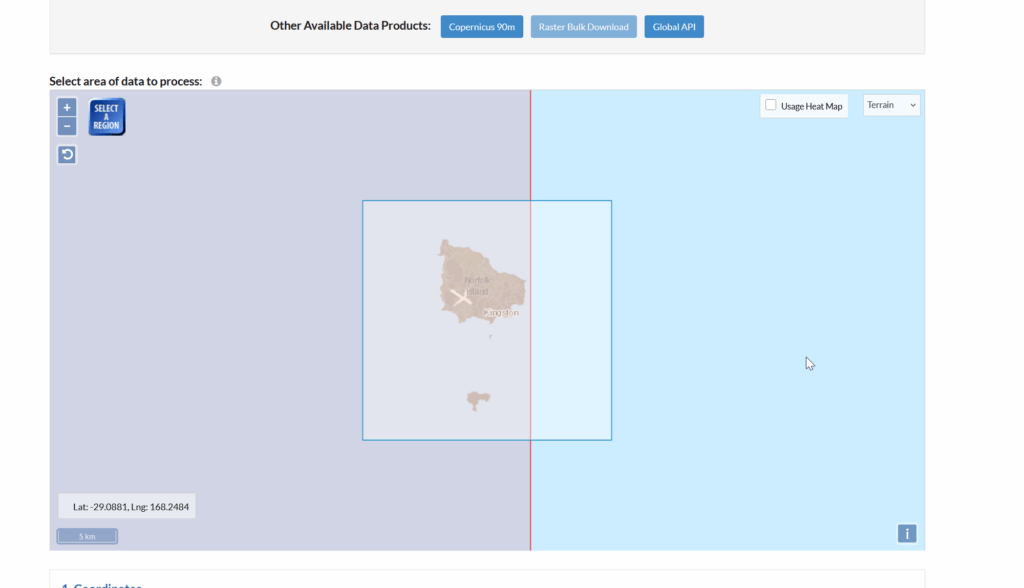
We visit the OpenTopography.org website, and select the target area for the data we want to download.
Then you punch in an email address, grab a drink and find the download link in your inbox.
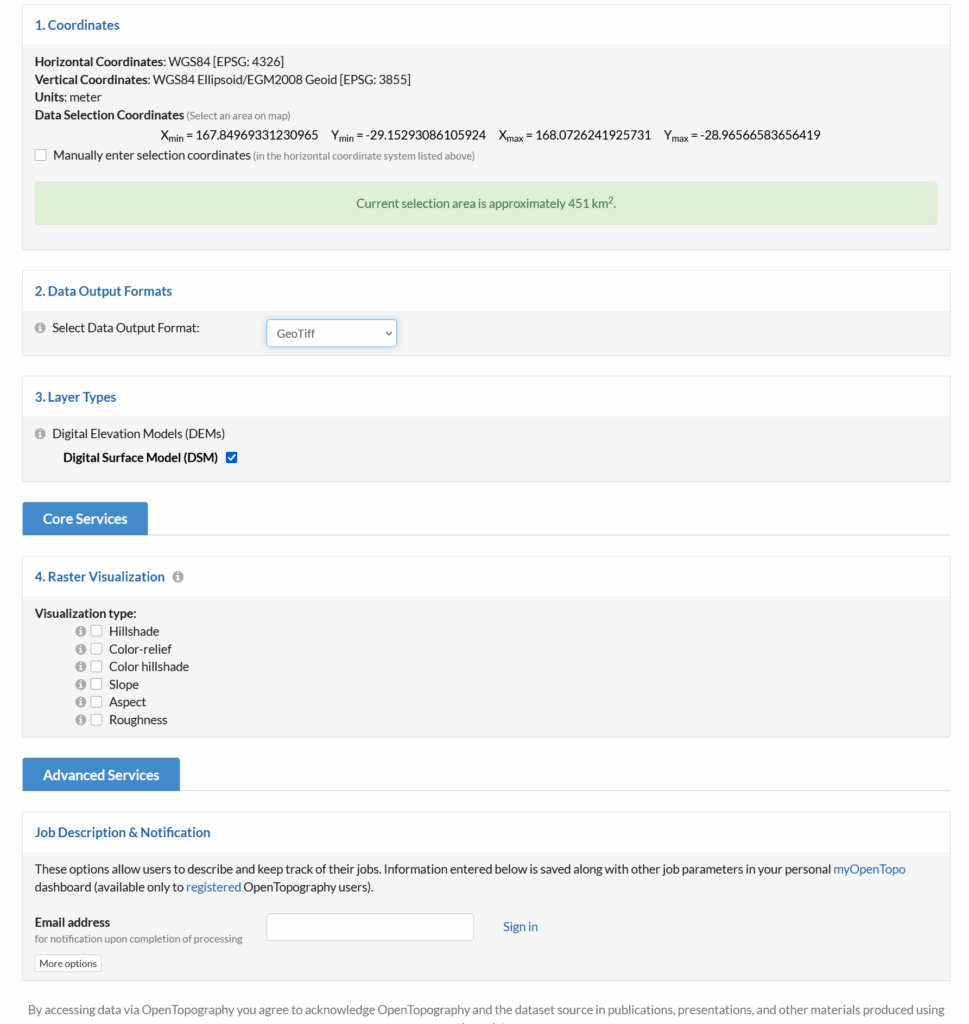
You’ll get a zip file, containing a file name like output_hh.tif.
Alas, we can’t import this straight into Atoll, if we do, we’ll see this issue:
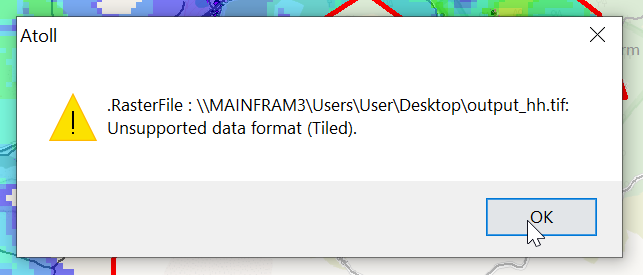
So I converted it using GlobalMapper as I’ve talked about in the past, but ran into this issue on the exported products:
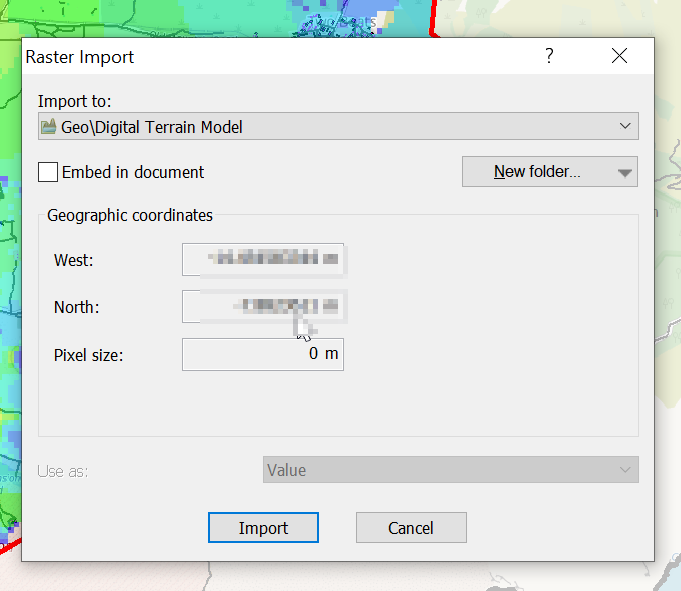
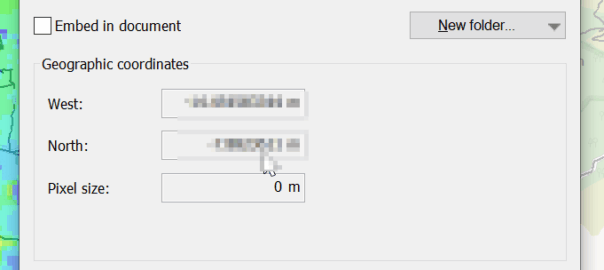
The pixel size was always zero meters, even though I’d changed it inside GlobalMapper.
The issue, I later worked out is with projections.
So to work around this I imported the data into GlobalMapper, where I could see it fine (and I added some OSM data like roads and building footprints).
I had to re-project the data, so inside Global Mapper I had to go to Tools -> Configure.
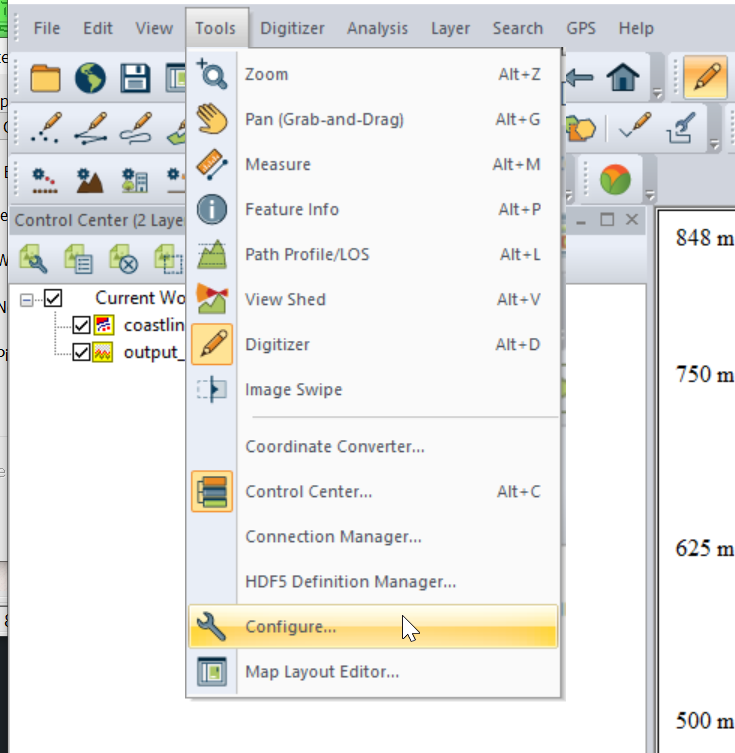
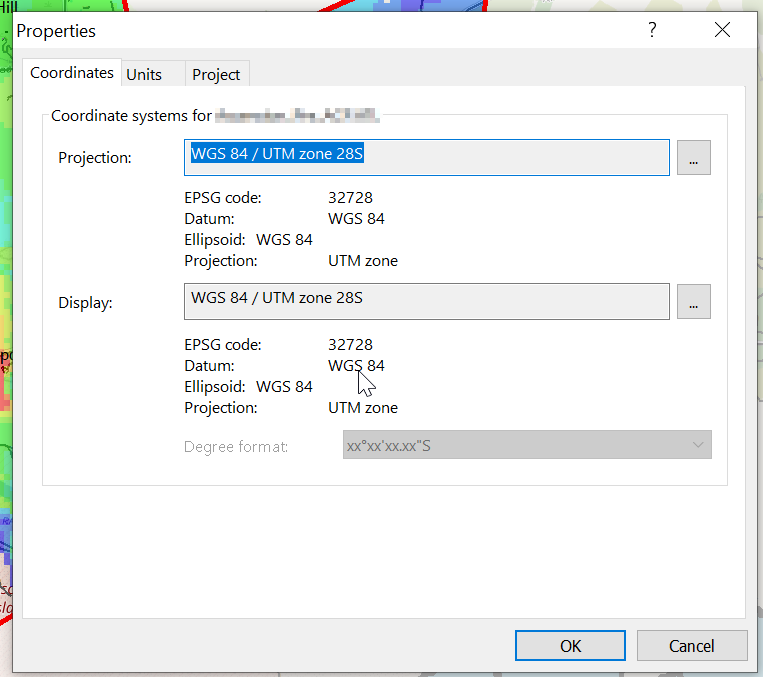
Then change the projection to UTM and use the UTM Zone Finder to find out what zone I needed.
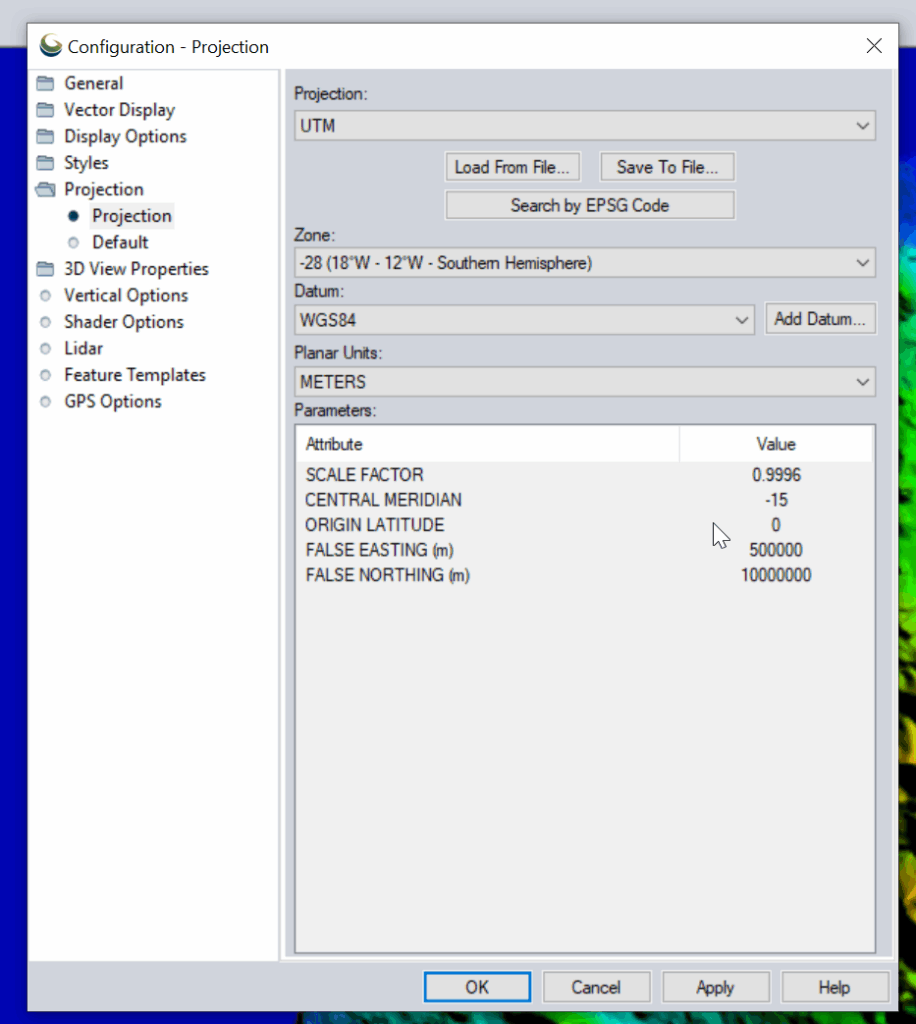
Then I exported the data as an Erdas Imagine file and was able to imported happily into Atoll, after setting the matching projection in Atoll (Which you generally do at the start of the project).